
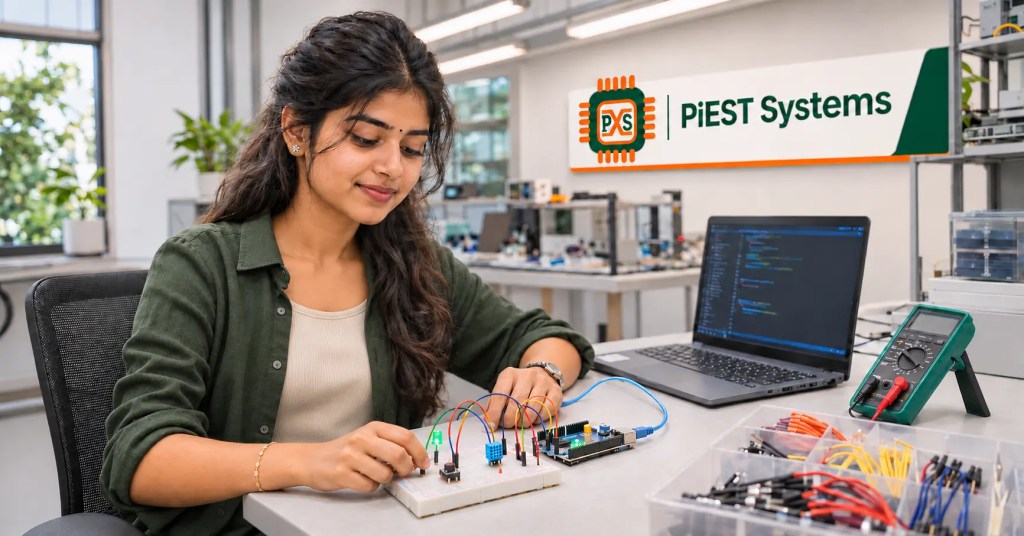
Embedded Systems Projects for Freshers: Build a Portfolio You Can Explain
A blinking LED proves that your board and tools work. It does not, by itself, show how you solve a hardware problem. A useful fresher portfolio shows your decisions: what you measured, how you handled a failure and what you changed after testing.
These embedded systems projects for freshers are selected for that purpose. They progress from a controlled input to sensor communication, timing, two-board messaging and an optional edge AI experiment. You do not need to build all eight. Choose a few that match the role you want and document them well.
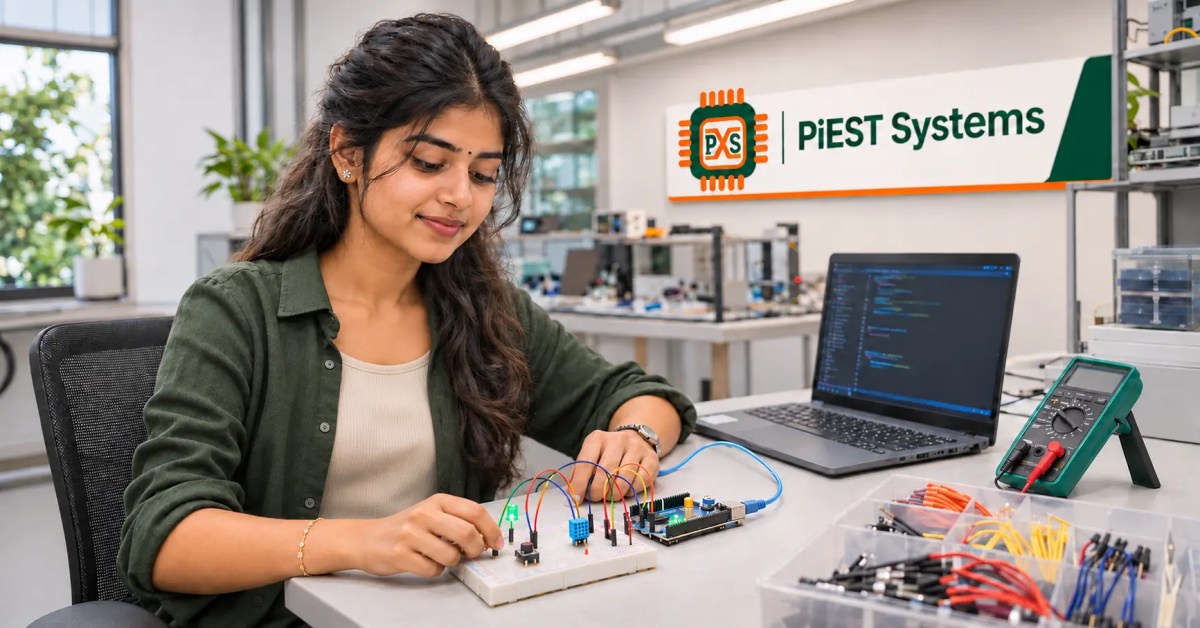
The examples fit electronics and computer engineering graduates. Some are embedded C projects for freshers who want to demonstrate firmware structure. Others are microcontroller projects for freshers who need to strengthen circuit and peripheral skills. Together, they can become embedded systems portfolio projects you can show and discuss rather than a collection of copied demos.
If you have already completed a college kit project, use this guide to improve it. Embedded systems projects for freshers do not need to be new inventions. They need to show your own implementation, measurements and decisions.
What Makes Embedded Systems Projects for Freshers Worth Showing?
A project is stronger when it has a specific requirement, a testable result and at least one fault case. “Read temperature” is a start. “Read temperature every second, label invalid samples and report a disconnected sensor” gives you more to implement and explain.
Searches for embedded systems projects for engineering students often return long lists of ideas. A list can help you choose a topic, but your portfolio needs evidence: circuit connections, code, test conditions and results. Three finished projects covering different skills can tell a clearer story than ten unfinished ones.
Many embedded systems projects for engineering students are presented as finished prototypes. For a fresher portfolio, include the debugging work that happened before the final photograph.
For embedded C projects for freshers, look beyond whether the main loop runs. Separate device setup, reading, validation and output into functions. For microcontroller projects for freshers, note the board’s voltage limits, pin configuration and communication interface. The best embedded systems portfolio projects show both software and hardware reasoning.
Choose a Board That Matches Your Goal
An Arduino compatible board can get you building quickly. Arduino sketches use C++ and its framework, so describe your work accurately on a resume. If you want to show firmware written in C, use a suitable microcontroller toolchain and state which parts you implemented yourself.
Raspberry Pi Pico is a microcontroller board suited to GPIO, timers, serial communication and its C/C++ SDK. A Raspberry Pi computer runs Linux and is a different choice for camera or application-level work. You can begin the first few embedded systems projects for freshers with one board and switch only when a later project calls for another platform.
Eight Embedded Systems Projects for Freshers
1. Button Controlled LED with Debounce
Build: Make one button press toggle an LED exactly once. Print each accepted press over a serial connection.
Demonstrate: GPIO input and output, pull-up or pull-down configuration, state changes and mechanical button bounce. Compare a simple delay based debounce method with a timer based approach if your skill level allows it.
Test: Press slowly, press rapidly and hold the button. Restart the board while the button is pressed. Record which events your design accepts.
This familiar exercise is often listed among embedded systems projects for engineering students. Its value comes from making the behaviour precise and proving that each press is interpreted correctly.
It is an accessible starting point among microcontroller projects for freshers. To turn it into one of your embedded systems portfolio projects, include a small state diagram and a log showing that a long press is counted as you intended.
2. Temperature Logger with Sensor Fault Handling
Build: Read a compatible sensor at a fixed interval. Send an elapsed time, value, unit and status to a serial terminal. Save a short log on your computer.
Demonstrate: Sensor communication, scheduling, formatted output and validation. Use the sensor’s actual interface, such as analog input or I2C. Do not describe an I2C sensor as an analog to digital conversion exercise.
Test: Compare readings under two ordinary conditions. Disconnect the sensor and check whether the program reports a fault instead of repeating the previous value. Note the interval between records.
Among embedded C projects for freshers, this is an opportunity to separate reading, validation and reporting. Many embedded systems projects for engineering students stop at displaying a number; the failure test makes this one more meaningful.
3. Serial Command Interface for an Embedded Device
Build: Accept commands such as LED ON, LED OFF and STATUS. Return a clear reply for each valid command and an error for unknown input.
Demonstrate: UART or USB serial communication, parsing, a bounded input buffer and readable messages. State whether your board uses a native USB serial connection or a UART to USB adapter.
Test: Send blank lines, extra spaces, incomplete commands and an overlong command. Confirm that the device continues running after invalid input.
This is one of the embedded C projects for freshers that shows attention to unexpected input. It also gives your later microcontroller projects for freshers a practical interface for checking sensor values and fault states.
4. Two Board Sensor Message Exchange
Build: Connect two compatible development boards through a documented communication interface. Send a numbered sensor reading from one board and validate it on the other. UART is a reasonable first interface.
Demonstrate: Message structure, electrical compatibility, common ground where required, receive handling and timeouts. Explain why both boards need matching communication settings.
Test: Disconnect the sender. Send a malformed message. Reset one board while the other remains powered. Record how the receiver distinguishes missing data from a valid zero reading.
For embedded systems portfolio projects, a short message format and a table of normal and fault cases are valuable. If you are comparing embedded systems projects for engineering students, this one demonstrates communication more clearly than another standalone display.
5. PWM Motor Controller with a Safe Stop State
Build: Control a suitable low voltage motor through a motor driver rated for its current. Use a potentiometer or serial command to set speed. The GPIO pin provides a control signal; it must not power the motor directly.
Demonstrate: PWM, input scaling, driver selection and the difference between logic power and motor power. Define what the controller does when the input is absent or outside its expected range.
Test: Check stop, low speed and high speed commands. Disconnect the speed input and verify the specified safe state. Describe any instability you found and how you investigated it.
This is one of the microcontroller projects for freshers that moves beyond LEDs. As with all embedded systems projects for freshers, keep the demonstration within the ratings and safety guidance of your components.
6. I2C Sensor with a Local Display
Build: Read a compatible I2C sensor and show its measurement on a small display. First prove that the sensor works through serial output, then add the display.
Demonstrate: Device addressing, bus wiring, initialization, data acquisition and error messages. Libraries are useful, but read the device documentation so you understand what a missing device looks like.
Test: Start with the sensor disconnected, then with the display disconnected. Identify which part of your program reports each failure. Check the supply voltage and logic levels for both modules.
Compared with many embedded systems projects for engineering students, this version makes the failed startup path part of the demonstration.
Embedded C projects for freshers benefit from a clear division between sensor and display code. The result is also easy to photograph and demonstrate without hiding the communication details.
7. Timed Task Monitor
Build: Run a sensor read, status LED and serial report at different intervals without freezing the entire program in one long delay. Begin with timer checks in the main loop. If you later use an RTOS, explain why your application needs tasks and how they exchange data.
Demonstrate: Timing, responsiveness and measurement of actual execution intervals. Do not claim hard real-time performance unless you have measured a defined timing requirement and met it.
Test: Increase the reporting rate. Introduce a slow operation and record how it affects the other activities. Explain the change you made to restore acceptable behaviour.
This is one of the embedded systems portfolio projects that shows progression from a simple sketch toward considered firmware design. It gives microcontroller projects for freshers a stronger connection to the timing questions that arise in technical discussions.
8. Optional Edge AI Gesture Classifier
Build: Use a supported board with motion sensing and a documented machine learning workflow. Collect examples of two deliberate gestures and ordinary movement. Train a small model, then run inference on the device if the board and model support it.
Demonstrate: Data collection, model input, classification and error analysis. A sensor collecting readings is not AI by itself. Explain where the trained model runs and what output it produces.
Test: Try gestures from another person and movements that should match neither class. Count incorrect predictions as well as correct ones. Include an “unknown” result rather than forcing every motion into a known class. Arduino provides documented machine learning examples for supported sensor boards.
This optional project extends embedded systems projects for freshers into edge AI. It should follow sound sensor interfacing and testing. It can complement embedded systems portfolio projects focused on firmware if you are interested in AI on devices.
For embedded C projects for freshers, the essential lesson still applies here: validate inputs and report what the device cannot classify.
Select Embedded Systems Projects for Freshers by Career Direction
| Direction | Start with | Follow up with |
|---|---|---|
| Firmware development | Button and serial command interface | Timed task monitor |
| Hardware interfacing | Temperature logger | I2C sensor and display |
| Connected devices | Sensor logger | Two board message exchange |
| Actuator control | Button and analog input | PWM motor controller |
| Edge AI | Reliable sensor readings | Gesture classifier |
These combinations are suggestions for independent practice, not a PiEST Systems course syllabus. Choose the work you can build and test with the hardware available to you. If you are looking at embedded systems projects for engineering students for a final year submission, check your institution’s requirements separately.
Embedded C projects for freshers can grow from more than one idea in the table. For example, the same serial interface can report faults from the temperature logger. Connecting two small exercises into a testable system can give you a stronger story than adding a new module every week.
Present Embedded Systems Portfolio Projects Clearly
For each selected project, write a short README with its purpose, board, components, wiring, build steps, expected behaviour and test results. Include a circuit photograph and a short demonstration video if you have them. Show one real issue you found, such as an incorrect I2C address or repeated button presses, and explain the evidence that led you to the fix.
For embedded systems portfolio projects, distinguish what you wrote from what a library supplied. If you used an Arduino sketch, say so. If you implemented a peripheral in C, identify the toolchain and board. If your AI example uses a pretrained model, do not claim that you trained it yourself.
The goal of microcontroller projects for freshers is to show that you can connect a requirement to a working circuit and tested firmware. The goal of embedded C projects for freshers is also to show how you structure and debug code. A reviewer should be able to reproduce your result from your notes.
Even a modest set of microcontroller projects for freshers can show progress if each new project tests a different peripheral or failure case.
Questions to Prepare for a Project Discussion
- What does the device do when a sensor or board stops responding?
- Why did you choose polling, a timer or an interrupt for this task?
- What are the voltage and current limits of the connected devices?
- How did you verify the timing or value shown in your demo?
- Which part of the software did you implement yourself?
These questions make embedded systems projects for freshers more useful than a list of parts. They also help you spot gaps before you add a project to your resume.
Build the Next Skill with PiEST Systems
You can start with one carefully documented project. If you want a structured path after that, PiEST Systems Arduino Training covers introductory programming and hardware interfacing. Its embedded systems training courses include routes into microcontrollers, Embedded C, communication and further specializations. Review the individual course scope before choosing one.
Bring the code, circuit photograph and one unresolved question from your own project when you enquire. That makes it easier to discuss where you should begin. The most valuable embedded systems projects for freshers are those you can build, test, improve and explain in your own words.
Use embedded systems projects for freshers to develop a repeatable habit: define a requirement, observe the hardware, check the result and refine the firmware.
Frequently Asked Questions

Discover more from Piest Systems
Subscribe to get the latest posts sent to your email.

